

An unfamiliar name or word can stop a Bible reading in its tracks. Start with Bible Note when you need to keep the passage, ask what the term means in context, and save the question for later study. Its Bible Study Chat can help you form a first explanation; verify that explanation in the biblical paragraph and a named reference. For an exact KJV English definition or Greek and Hebrew word study, use a dedicated dictionary or lexicon alongside it. Bible Note does not supply a citable dictionary edition.
Before choosing a tool, read the sentence and paragraph where the question arose. Decide whether you need an English definition, background on a person or place, or help with an original-language term. Those are different lookups, even when one search box appears to serve them all.
What sort of lookup is this?
An unfamiliar English word in the King James Version calls for a historical English or KJV glossary. A dictionary of biblical people and places answers a different question. A lexicon follows a source-language word; its English glosses do not automatically tell you what a sentence means. A topical concordance groups passages under a subject but is not an entry explaining every passage it lists. The label “Bible dictionary” can cover all four. Look for the resource name inside the app before trusting a search result.
If you are preparing a group study, record the question in your own words first. “Who is this person in this paragraph?” leads to a more useful search than typing a broad theme and treating the first result as the passage's message. The surrounding verses still govern the answer.
How we evaluated these Bible dictionary apps
We used Semrush search-interest data to understand the kinds of lookups readers bring to this category, then compared official app listings and product information for the tools named here. The choice depends on the question: an older KJV word, a biblical person or place, and a Greek or Hebrew term call for different references. We looked for a named source or edition, a clear route back to the passage, and practical device and access conditions. A larger library can help when one entry raises more questions; it may be unnecessary for a quick definition. The descriptions show what publishers offer, so check the exact resource in your account before relying on it.
Quick picks by lookup
Bible Note for the question and its context: enter a reference or scan a printed passage where supported, ask about an unfamiliar term, and keep the passage and follow-up together. Verify a lexical claim in a named reference.
KJV English vocabulary on Android: Bible Dictionary & KJV Bible names Webster, Easton, and Smith; expect an ad-supported listing and check whether its entries meet your question.
Several named historical references on iPhone or iPad: Bible Dictionary and Glossary lists Webster, Easton, Smith, Vine, and Nave. Check the entry's particular work before using it.
Greek, Hebrew, or linked word-study question: Blue Letter Bible supplies the broader reference-tool route; keep the verse context open.
Dictionary beside an existing reading library: Olive Tree can fit if the precise dictionary title is available to your account.
Question that grows into library research: Logos is worth considering when you need several works and can verify entitlement to them.
Bible Note: begin with the passage and a better lookup question
Best for: a reader who meets an unfamiliar term while reading a printed Bible, revisiting a sermon, or preparing a group question and wants a study trail before choosing a reference book.
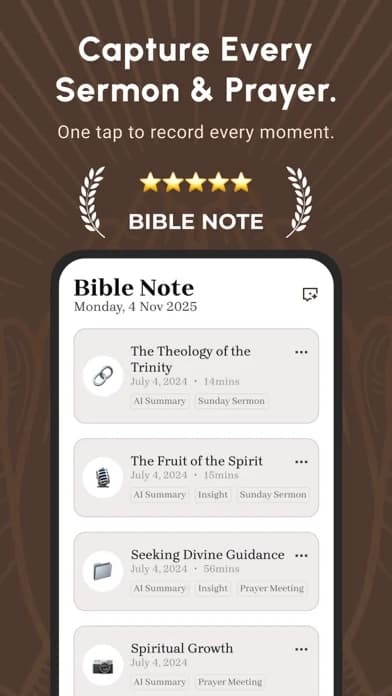
What the current evidence supports: Bible Note's first-party study materials and current app descriptions show reference entry or Bible-page scanning, verse notes, study questions, and follow-up chat. Its Bible Study Chat presents Scripture references and marks interpretation as interpretation. For permitted teaching, sermon notes can keep the cited passage and question with the recording.
How to use it here: begin with the verse or scanned page, ask whether the difficulty is an English word, a person or place, or a question about the passage's argument. Keep the proposed answer and the precise question in a note. Then open a named dictionary or lexicon for the definition you intend to cite. This path is especially useful when Sunday's word becomes Wednesday's group question: you retain why the lookup mattered instead of collecting detached search results.
Strengths: In Bible Note, the passage, question, and later explanation remain connected. A first-language explanation can help a newcomer decide which specialized source to consult, and a follow-up question can expose where the first answer is too broad.
Limitations and who should use a specialist: Bible Note is not a KJV glossary, a Greek or Hebrew lexicon, or a source of verified etymologies. Scan and AI interpretations need checking against the text; availability of a particular study feature may differ by device and access terms. Use the named dictionary app for an exact historical-English definition and Blue Letter Bible or an entitled library resource for original-language evidence.
Bible Dictionary & KJV Bible: focused Android KJV lookup
Best for: an Android reader checking an older English word while reading the KJV.
What the current evidence supports: Its US Google Play listing names Webster's 1828, Easton's, and Smith's dictionaries, a KJV Bible, favorites, and text copying. The listing displays ads and in-app purchases. Its “offline” wording comes from the publisher; test the entries you need without a connection before depending on it away from home.
Strengths: The named works make it possible to ask which source supplied the answer. A favorites list can hold a term you intend to revisit.
Limitations and who should skip it: These named works are historical sources. Easton's listing describes a nineteenth-century Christian viewpoint; that is useful context, not a guarantee of current historical or linguistic consensus. Skip this as your sole tool for a contested Hebrew or Greek question. Android listing evidence does not establish iPhone parity.
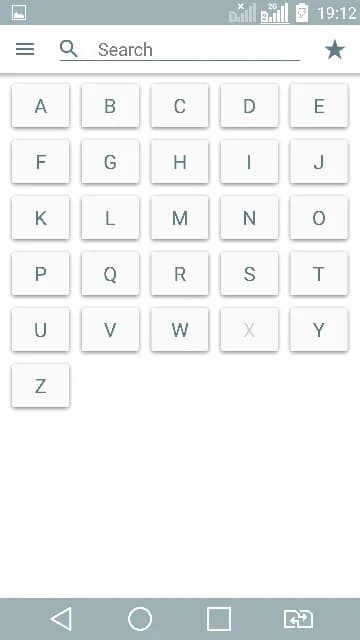
The captured Android listing image shows an alphabetical browse screen; it does not show a particular dictionary entry or prove offline access.
Bible Dictionary and Glossary: a shelf of named older references
Best for: an iPhone or iPad reader who wants to compare which kind of reference answers a lookup.
What the current evidence supports: Its US Apple listing names Webster, Easton, Smith, Vine, and Nave, among other materials. The descriptions distinguish a KJV English-word glossary, a topical concordance, and a New Testament word-reference work.
Strengths: Seeing several source names can prevent the common mistake of treating every search hit as the same kind of dictionary entry.
Limitations and who should skip it: The listing does not establish editorial updating, the quality of each entry, or a complete source-language research workflow. Check the source of a particular answer and its date. Skip it if you need a modern academic lexicon with edition and licensing clearly established.
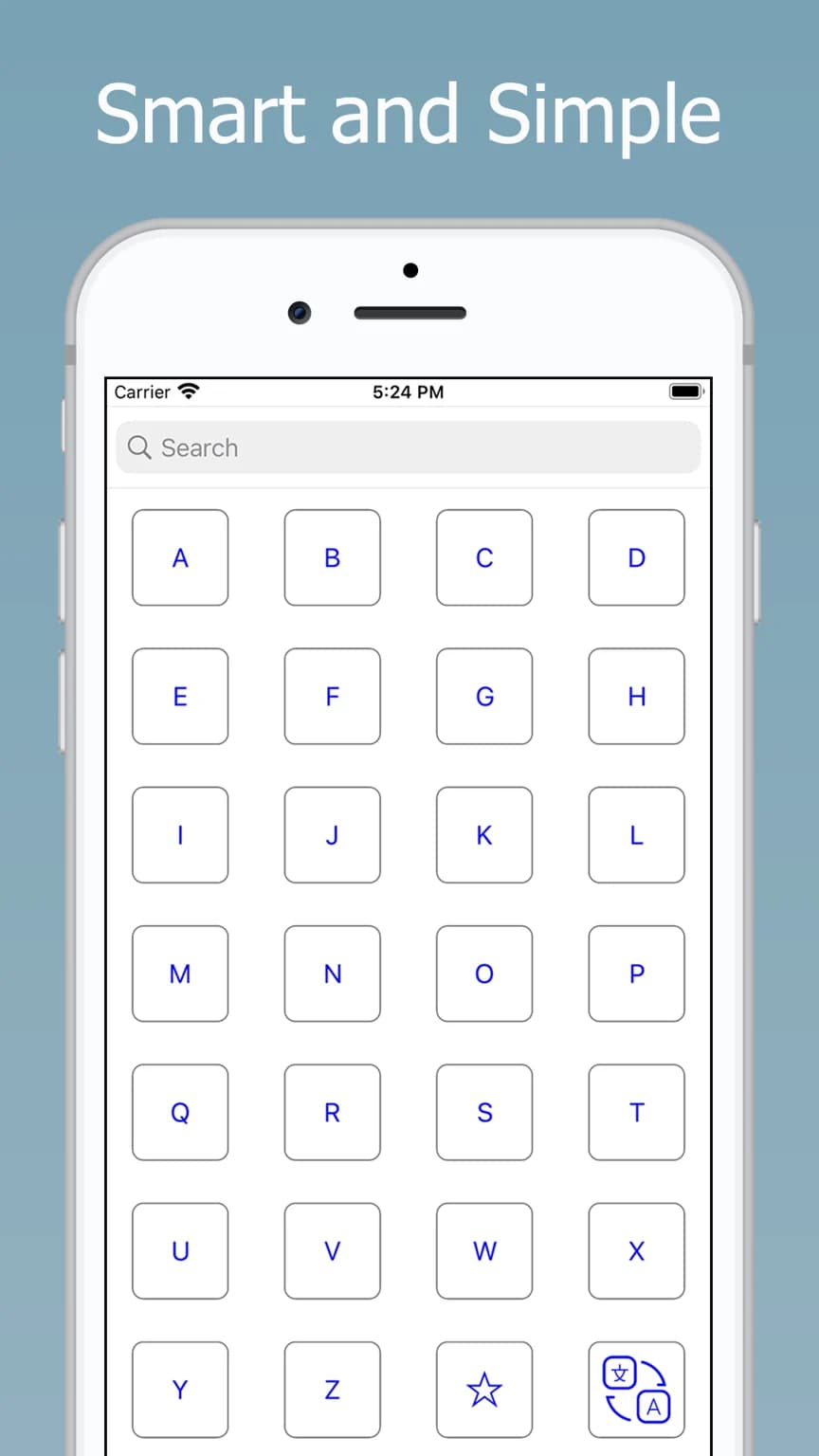
The captured iPhone listing image shows an alphabetized browse interface; it does not identify which named work supplies a specific answer.
Blue Letter Bible: word and lexicon questions
Best for: a reader following a word from a verse into lexicons, interlinear material, and related reference tools.
What the current evidence supports: Its official mobile listing describes lexicons, interlinear views, dictionaries, search, notes, and highlights. That is a broader toolset than a KJV glossary.
Strengths: In Blue Letter Bible, you can begin at a passage and inspect a word question without leaving the Bible reference behind. Write down which lexicon or tool supplied a gloss; one gloss is only a possible English rendering.
Limitations and who should skip it: The available iOS visual and Android feature description do not establish identical menus or offline access. A source-language number or root word cannot settle every occurrence or a doctrinal dispute. Choose a simpler dictionary when you only need an old English word.
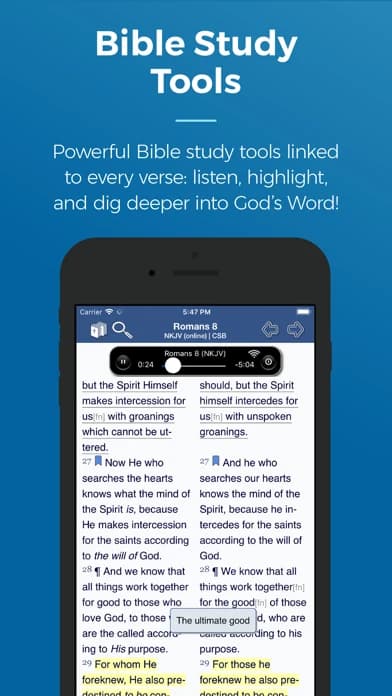
Olive Tree: dictionary inside a reading library
Best for: a reader who already studies in Olive Tree and wants a particular reference title beside the Bible text.
What the current evidence supports: Official product material and a mobile listing describe dictionary or reference categories, study Bibles, commentaries, and notes. The exact dictionary is a resource-level question.
Strengths: Keeping a selected resource near the passage can shorten the path from lookup to an informed note.
Limitations and who should skip it: Check the title, edition, account entitlement, platform, and downloaded availability before treating a dictionary as present. A store category is not an included resource. If you only want a quick KJV gloss, a simpler standalone app may be enough.
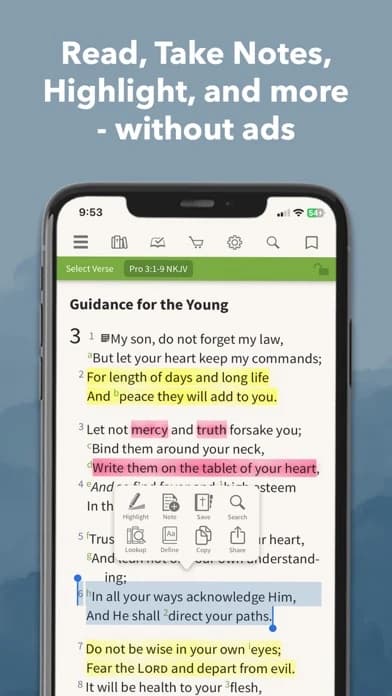
Logos Bible: a question that becomes library research
Best for: a student or teacher who expects to compare dictionary entries with commentaries and other books.
What the current evidence supports: Official product-family listings describe Bibles, books, commentaries, notes, and Greek or Hebrew word lookup.
Strengths: Logos's larger library is useful when one definition opens another question about setting, usage, or interpretation.
Limitations and who should skip it: The capture does not establish which dictionary editions your account includes, their present cost, or offline rights. Check the resource itself. Skip a large library workflow when a basic KJV word is all you need.
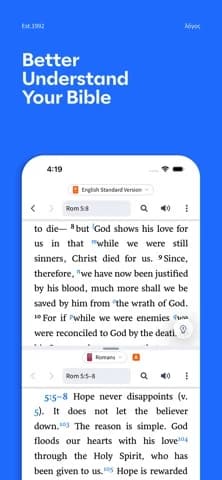
Walk one question from entry back to the text
Imagine a KJV reader encountering an English word whose everyday meaning has shifted. First read its full sentence and paragraph. Then open a named KJV glossary and write down the work and edition shown, along with its proposed sense. Read the paragraph again using that proposed sense. Does it clarify the sentence, or do you still need to know the person, place, or custom? If the latter, change reference types instead of stacking more English synonyms.
For an original-language question, begin with the same paragraph. A lexicon may list several possible glosses. Notice how the word functions in this sentence and how the author uses it nearby. If a major interpretation depends on that choice, compare another credible reference and bring the uncertainty to a teacher or group. A short note can preserve three separate lines: “The passage says…,” “This resource suggests…,” and “I still need to check…”. That separation protects the text from an attractive but overconfident definition.
When the recommendation changes
Bible Note is the first place to hold the passage and ask what kind of lookup is needed. The next source changes with the question. A KJV reader who only needs an older English sense should move to a named glossary, especially if a connection will be unreliable. A group leader checking a sermon claim about a Greek or Hebrew term needs an identified lexicon and the surrounding passage; Blue Letter Bible or a verified library resource serves that check. A teacher who regularly compares several editions may find Logos worth the account and resource checks. None of those sources turns an AI explanation into lexical evidence by itself.
Keep the passage, the named definition, and your remaining question together in Bible Note. If the question began during authorized teaching, its sermon note can also preserve the moment that prompted the lookup.
Is a Bible dictionary the same as commentary?
No. A dictionary usually helps identify a word, person, place, or topic; commentary follows a passage and explains how an interpreter understands it. An app may offer both, so the name on the button tells you less than the work that opens.
Choose by the question that interrupted your reading:
An unfamiliar KJV English word: a named glossary can clarify the word's historical sense. Reread its sentence with that proposed sense.
A person, place, or topic: a Bible dictionary can supply background, which you still need to check against the paragraph.
Why the paragraph means what someone says it means: an attributed commentary should give an argument you can compare with the text.
Write the title of the work beside your note. On a return visit, that small label tells you whether you saved a reference definition or another reader's interpretation.
Can an old dictionary answer a current question?
Yes, when the question fits the source. An older dictionary can clarify historical English usage or show how a term was explained in its own period. Its date and viewpoint become important when an entry makes a claim about ancient history, language, or doctrine that you plan to teach as settled.
Use the entry as a lead: note which work supplied it, read the biblical paragraph again, and separate the entry's definition from any larger conclusion it draws. If that conclusion carries weight for a group lesson, compare a more recent credible reference before presenting it. The goal is to keep a useful older source without making its age a substitute for evidence.
Summary: choose the reference that answers your lookup
Begin in Bible Note with the passage, a precise question, and a saved path back to it. Use a named KJV glossary for historical English, Blue Letter Bible for a source-language question, or an entitled library title when the inquiry grows. Check the work and edition behind the definition, then return to the paragraph; Bible Note can keep the answer, its source, and any remaining question together.
Editorial status
Written and edited by Hans Keller for Bible Note. Sources, Scripture context, dates, and practical limitations are checked before publication.

About the author
Hans Keller
Editorial & Content Lead
Bible Study & Sermon Learning Content Editor
Hans helps Christians turn sermons and Scripture study into clear notes, thoughtful questions, and faithful next steps.
His work helps listeners and group leaders carry a sermon or study beyond the meeting: back to the passage, into clearer questions, and toward one practical response for the week.
Read with Scripture open
Use this guide alongside the full biblical passage and the practices of your local church. Interpretive details can differ across Christian traditions.
See more Bible Note on Google
Add Bible Note as a preferred source to help find our Bible study guides more easily in Google Search.